Pay with Bitcoin for a 40% Discount
Don’t have Bitcoin yet? No worries! You can still take advantage of the 40% discount. Getting Bitcoin is simple and fast with Coinbase, the top US-based platform for crypto transactions. Whether you’re buying, selling, sending, receiving, or storing Bitcoin, Coinbase makes it easy. Available in the US, UK, Europe, Australia, Singapore, Malaysia, and various other Asian countries.
We Save on Fees & Pass the Savings to You
Get 40% Savings with Bitcoin & Crypto
Paying with Bitcoin or altcoins (ETH, XRP, XMR, ADA, BNB, LTC, BCH, USDT, DOGE, etc.) automatically unlocks a 40% discount—no coupon needed. We also support Bitcoin Lightning Network for faster, low-cost transactions.
Own Bitcoin in Minutes
New to crypto? It’s as easy as PayPal. Our quick tutorial shows you how to set up a Coinbase account, buy Bitcoin, and start paying securely in minutes.
Choose Bitcoin, Save Big
Traditional banks and Big Pharma make online pharmacy payments difficult and expensive. By paying with crypto, you skip middlemen, protect your privacy, and help us cut fees—letting us pass maximum savings directly to you.
Step-by-Step Guide: How to Create an Account on Coinbase, Complete KYC Verification, and Buy Bitcoin with a Credit Card
1. Create an Account on Coinbase
Step 1: Go to Coinbase Website
- Open your preferred web browser and navigate to Coinbase.
Step 2: Sign Up for an Account
Click on the “Sign Up” button on the homepage.
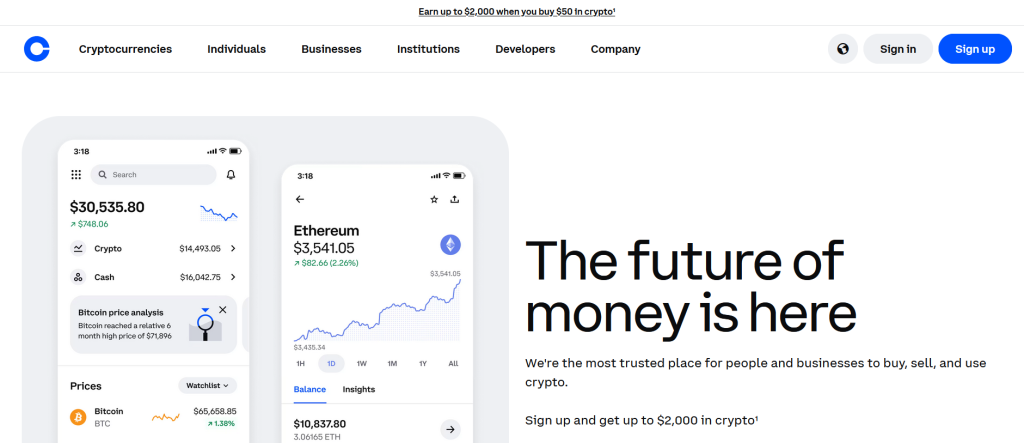
Click on the “Personal.

Enter your Email Address.
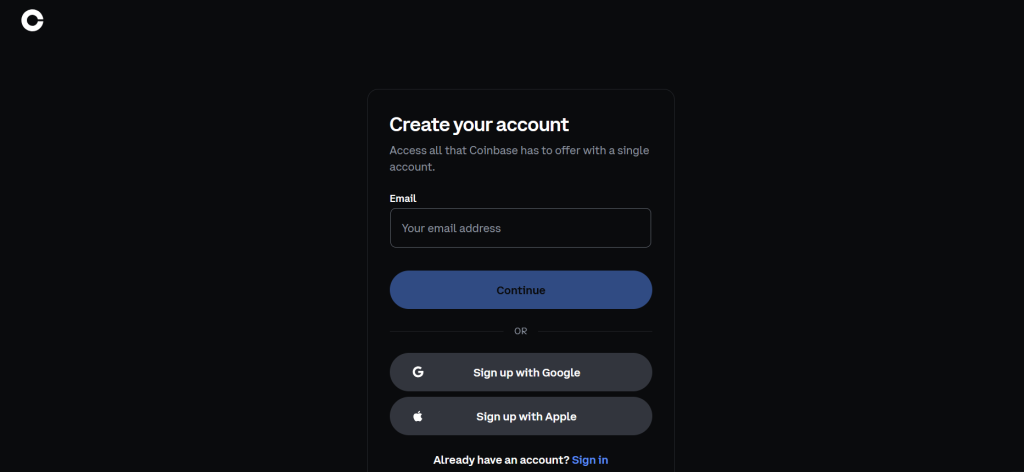
Enter the verification code.
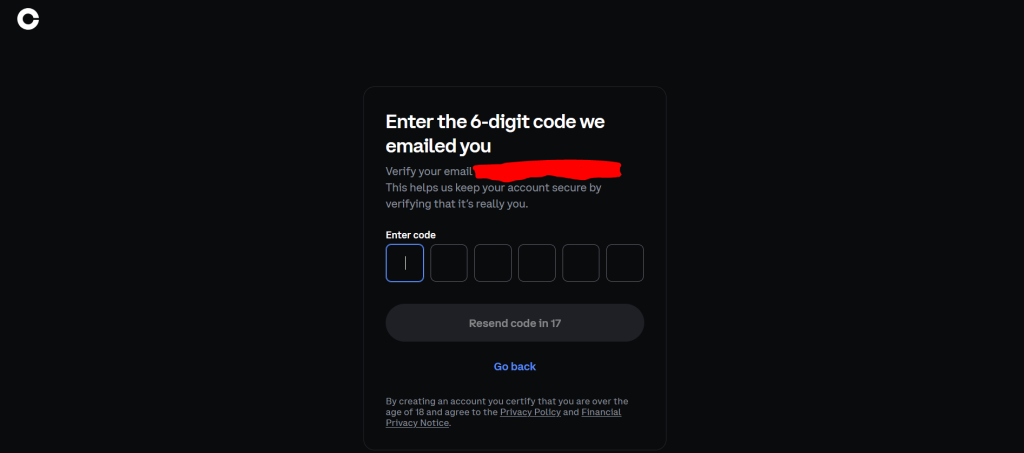
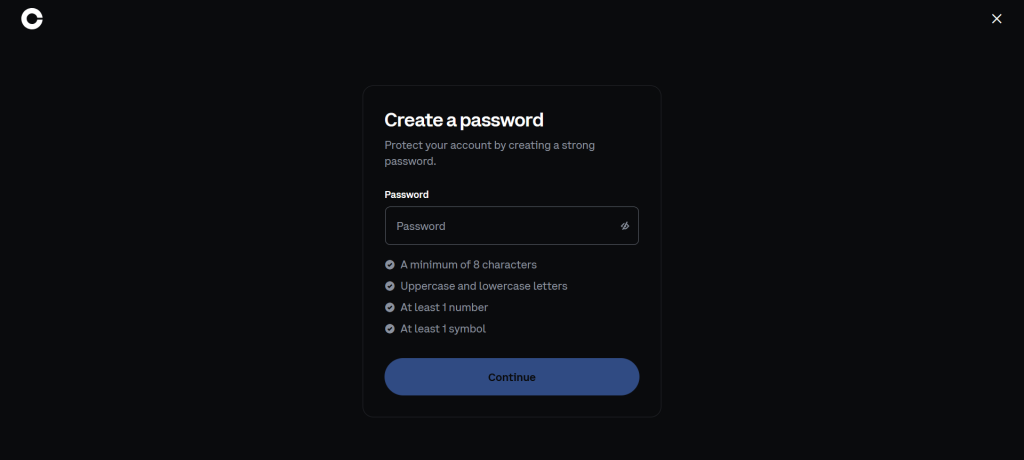
Create a password.
2. Complete KYC (Know Your Customer) Verification on Coinbase
Verify Your Identity
- Once your account is created, you need to complete KYC verification. This involves submitting personal information and uploading identification documents.
- Go to your Account Settings by clicking your profile picture in the top-right corner and selecting Settings.
- Under Identity Verification, click on Verify Identity.
- You will need to provide the following information:
- Full Name
- Date of Birth
- Address
- Phone Number
Step 3: Upload Identification Documents
- Coinbase will ask for a government-issued ID (e.g., Passport, Driver’s License, or State ID). Take clear pictures of your document and upload it.
- You might also need to take a selfie with your ID in hand to confirm your identity.
Step 4: Wait for Verification
- Coinbase will review your submitted documents. This process usually takes anywhere from a few minutes to a few hours. You will receive a notification via email or on the Coinbase app once your identity is verified.
3. Add Bank Account/ Credit Card on Coinbase
Step 1: Link Your Bank Account, Credit or Debit Card
- Go to the “Payment Methods” section in your Coinbase account settings.
- Click on Add Payment Method, and then select Bank Account, Credit or Debit Card.
- Enter your credit card details, including card number, expiration date, CVV, and billing address.
Coinbase Learn: How to send crypto
© 2014-2025 Copyright ModafinilXL, ModafinilBuyOnline – Buy Modafinil Online ツ Cheap Modalert Pharmacy | Buy Modafinil Online with Bitcoin & Save 20%